Powerful features, simplified.
Everything you need to manage your files wirelessly over your local network.
Browser-Based Access
Connect to your phone from any device with a web browser. No specific software needed on the receiving device.
Full File Management
Easily create, rename, delete, and organize your folders and files directly from the browser interface.
Instant Media Streaming
Stream your music, view high-res photos, and play videos stored on your phone directly in the browser.
Secure & Private
Works locally over your WiFi network. No internet required for file transfers, plus optional password protection.
Three simple steps.
Getting started is as easy as 1-2-3.
Connect
Connect your phone and your computer (or other device) to the same WiFi network.
Open
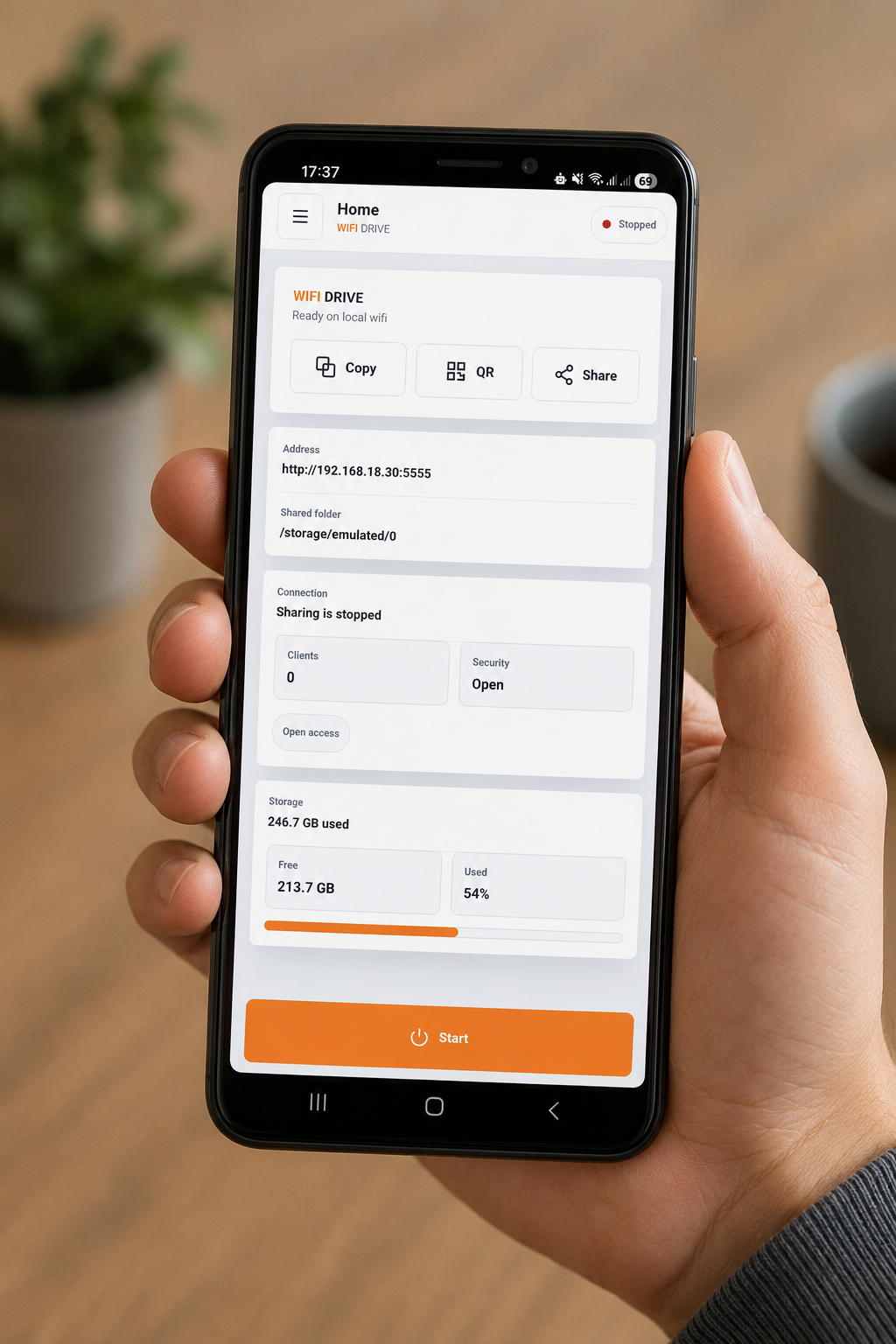
Launch the WiFi Drive app and enter the displayed address into your computer's web browser.
Transfer
Instantly browse your phone's files. Drag, drop, download, or stream directly in the browser!
Ready to ditch the cables?
Join thousands of users who have simplified their file sharing with WiFi Drive.
Get WiFi Drive Today